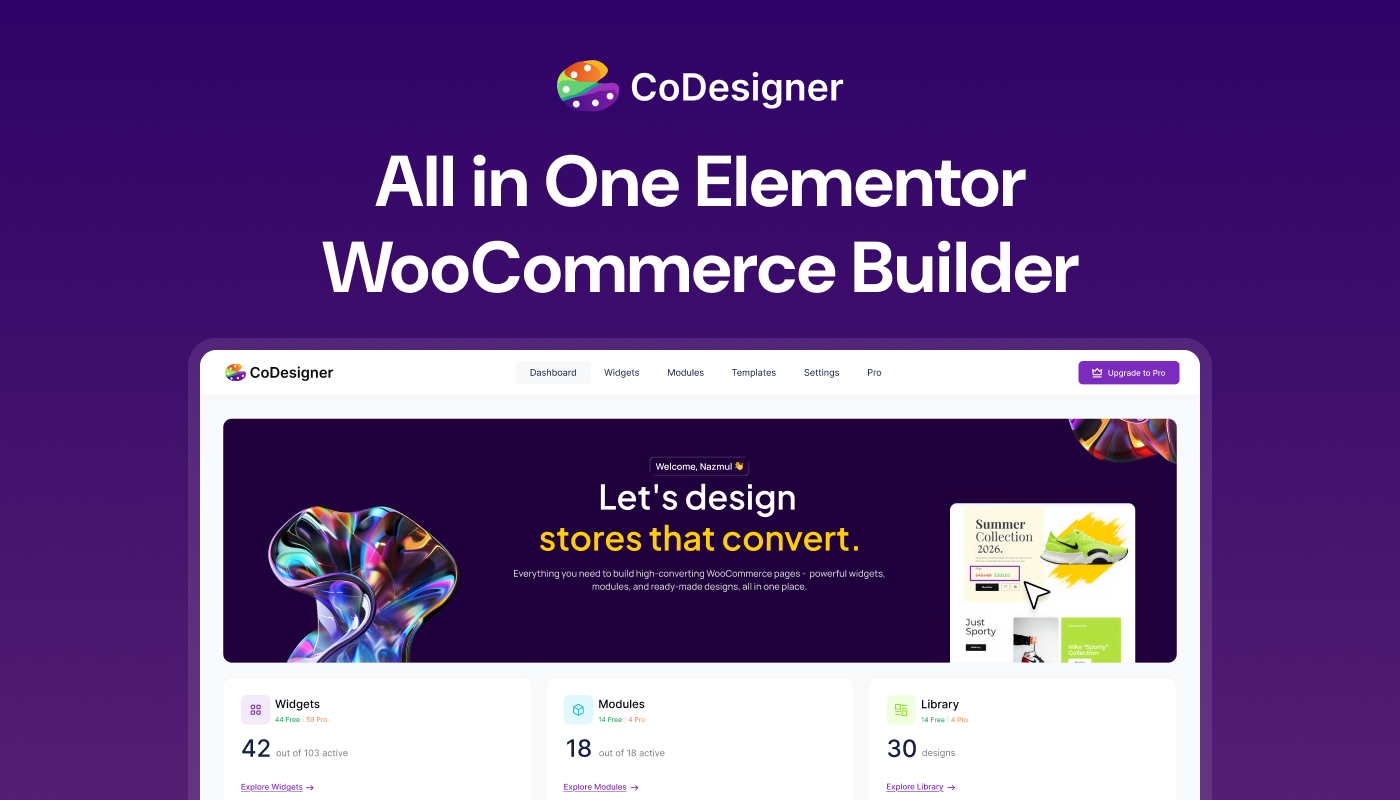
The CoDesigner Community: Where WooCommerce Builders Get Unstuck Together

Share this content
Copy Link
Share



Design WooCommerce Stores That Convert
-
100+ Widgets
-
15+ Modules
-
150+ Templates
-
At Your Service
Follow us on:


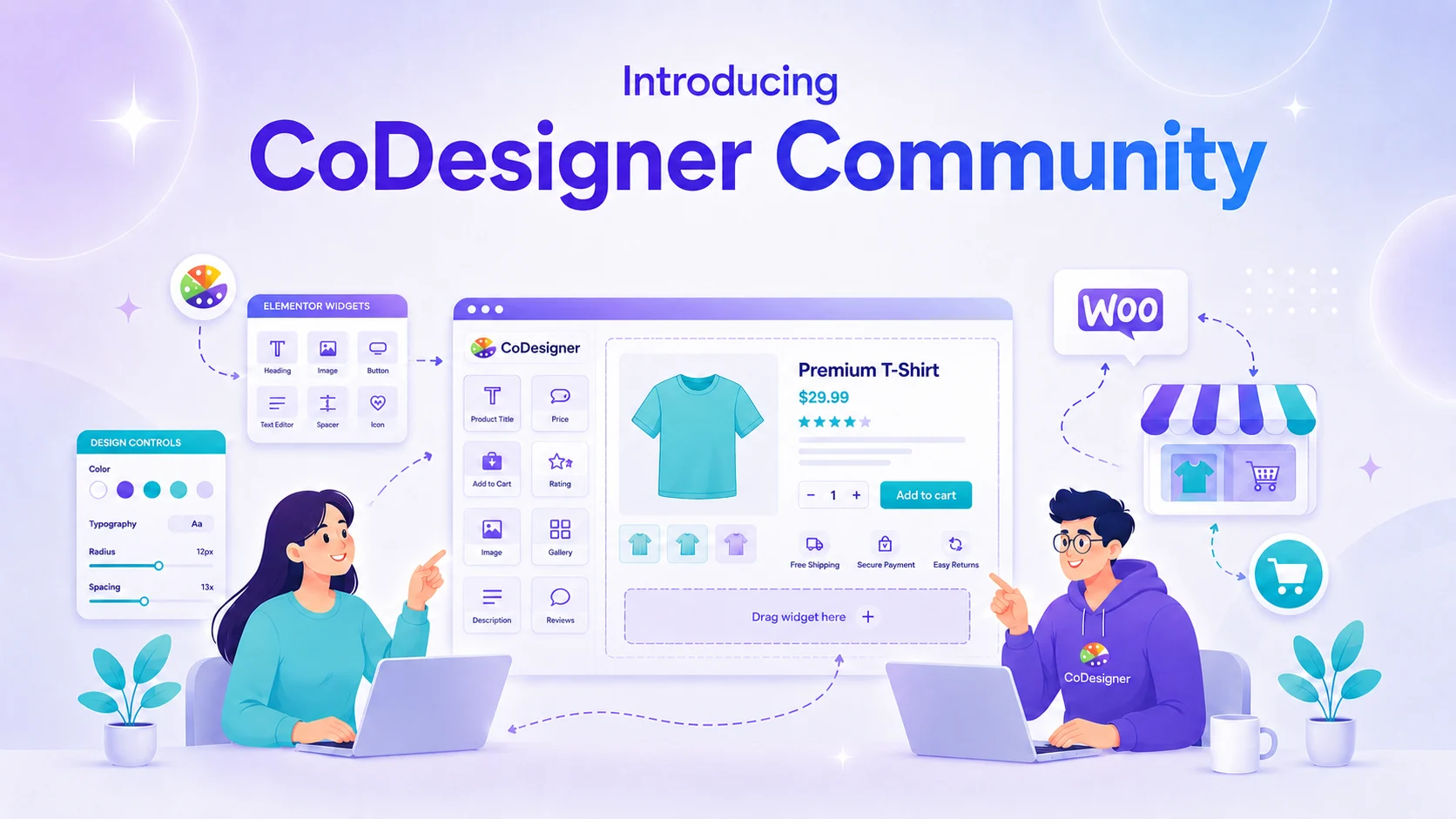
Customizing a WooCommerce store often means making design decisions on your own.
One-page checkout or multi-step? Why does the product page look right on desktop and fall apart on a phone? Should you rebuild the shop page or restyle the one you already have?
A single layout decision can eat an entire evening. A good community turns those dead ends into quick answers, so you can get back to building your store.
That is why we created the free CoDesigner Community, a place where store owners and Elementor users help each other build better WooCommerce stores.
Why We Built the CoDesigner Community
We didn’t start with a community. We started with a plugin, back when it was called Woolementor, to close the gap between Elementor and WooCommerce so store owners could design their pages without touching code.
As users asked for checkout customization, email design, wishlists, currency switching, and template control, CoDesigner grew into a full store builder. But the questions stayed scattered across support tickets, emails, and social posts, where an answer rarely helped more than one person.
A few things kept coming up:
- The same setup questions, asked privately by people who never saw each other’s solutions
- Store owners unsure why a redesigned checkout still wasn’t converting
- Feature requests spread across emails, social posts, and review threads
- No open place to get a second opinion on a store layout before or after a rebuild
One shared space keeps those answers visible, helping the next person instead of letting them vanish into a support queue.
Who Is the CoDesigner Community For?
In plain terms, anyone who runs a WooCommerce store and cares how it looks and sells.
A cluttered product page costs a store orders. A confusing checkout loses the customer at the last step. The fix is usually the same handful of design habits, and this is where people trade them.
| You are a… | Here is what you get |
| WooCommerce store owner | Practical ways to fix pages that look fine but don’t convert |
| Elementor user | WooCommerce-specific answers that general design groups skip |
| WordPress beginner | Plain-language help with widgets, templates, and page building |
| Agency or freelancer | Notes from others designing stores across many client sites |
| Developer | Hooks, conditions, and technical back-and-forth |
| Switching from another builder | Advice from people who already moved their store over |
What Do You Get When You Join the CoDesigner Community?
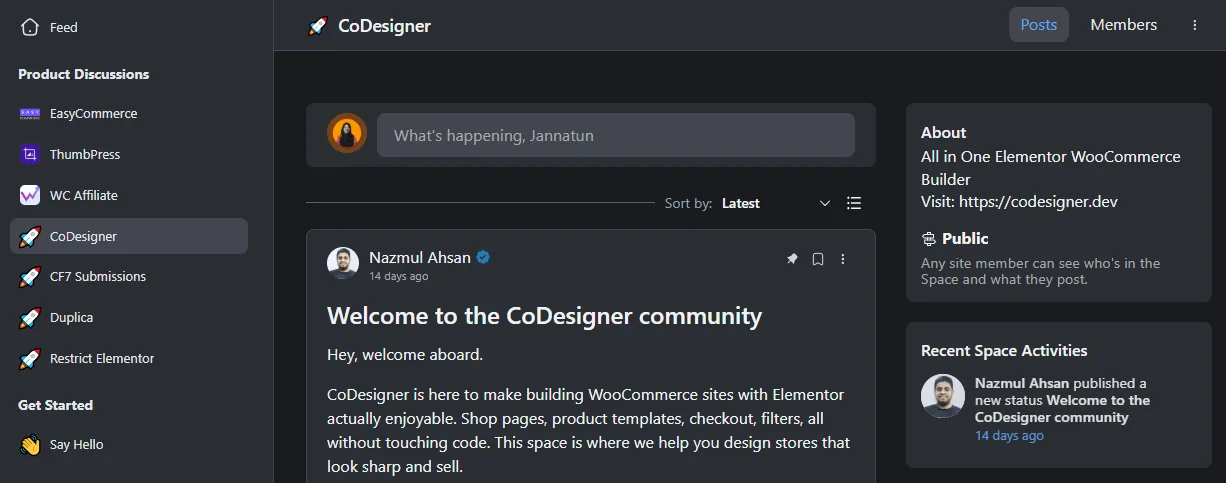
When you join, you get a direct line to people who wrestle with WooCommerce design every day, and it costs nothing.
Ask questions, weigh in on where the plugin goes next, and share what has worked on your own store.
- Peer help: post a problem and hear from people who have already fixed it.
- Feature voting: talk through what CoDesigner should build next and back the ideas you want.
- Setup answers: sort out the checkout builder, email designer, templates, and display conditions with people who have configured them.
- Design feedback: share your shop page or checkout and get an honest second opinion on what to change.
- A line to the team: the people building CoDesigner read the threads and jump in.
The value compounds. Every answered question becomes something the next member can find later, so the space gets more useful the longer it runs.
How Do You Get the Most Out of the Community?
What separates the members who get great answers from the ones who get ignored? A few small habits, mostly.
- Introduce yourself. Say what kind of store you run and where you are stuck. Context helps people help you.
- Search first. Your question may already have a good answer waiting, and a quick look saves everyone time.
- Ask clearly. Add a screenshot, your theme, and the widget or setting you are working in. Specific questions get specific answers.
- Share your store. Post the page that still feels off, or your before-and-after. Fresh eyes catch what you stopped noticing weeks ago.
- Give back. Answer someone when you can. The community works because members trade help, not because staff answers everything.
Do those five, and you will get far more out of it than someone who only shows up when something breaks.
Join the CoDesigner Community
Designing a WooCommerce store is easier when you are not doing it alone. The CoDesigner Community gives store owners a place to ask questions, get honest feedback, and learn from people solving the same problems every day. It is free, it is open, and it grows more useful with every member who joins.
New to Elementor, or fine-tuning a store you have run for years, come in and say hello. Join the CoDesigner Community here.
CoDesigner Community FAQ
Is the CoDesigner Community free to join?
Yes. Joining costs nothing, and you do not need a Pro license to take part. You get the discussions, the feedback threads, and the wider group of WooCommerce store owners at no cost.
Do I need the Pro version to join?
No. The community is open to free plugin users, Pro users, and people still deciding. Plenty of members are comparing options or designing their first store, and beginner questions are welcome.
Should I use the community or official support?
Use both for different things. For account, billing, or a specific technical bug, official support and the documentation are the right channels, and Pro users get priority there. For quick advice, design tips, and second opinions, the community is faster and more open.
Can beginners join, or is it only for developers?
Both are welcome. Beginners use it to learn what the widgets and templates actually do, and developers dig into hooks and display conditions. Having both in one place is what makes the answers worth reading.
How do I join the CoDesigner Community?
Visit the community link and request to join. Once your request is approved, you’re all set and can post right away.