7 Best WooCommerce Product Tabs Plugins in 2026 (Comparison)

Share this content
Copy Link
Share



Design WooCommerce Stores That Convert
-
100+ Widgets
-
15+ Modules
-
150+ Templates
-
At Your Service
Follow us on:



A shopper has your product page open on their phone. They want the return window before they commit. It is there, two tabs to the right, and they never see it. They leave.
That gap between the information you published and the information customers actually find is what tabs are supposed to close. Sometimes they widen it instead.
This guide ranks the 11 best WooCommerce product tabs plugins available in 2026, free and paid, and it is honest about what each one gives up. You also get the selection logic behind the ranking, so you can choose for your own catalog instead of trusting a list.
Quick Comparison
Every plugin below was judged on three things: how widely its tabs can be assigned, how much control you get over layout and mobile behavior, and how much work it takes to maintain across a growing catalog.
| Plugin | Best For | Elementor Required | Tab Assignment | Price Tier |
| CoDesigner | WooCommerce & Elementor Stores | Yes | Template-level | Freemium |
| WooCommerce Product Tabs (Barn2) | Large catalogs needing global tabs | No | Global, by category or tag | Premium |
| Custom Product Tabs (YIKES) | Small stores on zero budget | No | Per-product, saved tabs | Free |
| YITH WooCommerce Tab Manager | Stores already running YITH plugins | No | Global and per-product | Premium |
| JetWooBuilder | Crocoblock subscribers | Yes | Template-level | Premium |
| Smart Tabs | Content-heavy tabs with preset styling | No | Products, categories, or all | Freemium |
| Product Tabs Manager | Reordering and renaming default tabs | No | Global and per-product | Freemium |
8 Best WooCommerce Product Tabs Plugins
1. CoDesigner (Best Overall for WooCommerce Stores)
If your store is built in WooCommerce and Elementor, this is the one I would install first.
CoDesigner ships two relevant Pro widgets. Product Tabs handles standard tabbed content on the single product template. Product Dynamic Tabs pulls product data into tabs that update as your catalog changes. Both are enabled under CoDesigner > Widgets, then built through a dedicated CoDesigner Tab template and dropped into your single product layout. The docs walk through how to add tabs to products in seven steps.
What sets it apart is that tab styling happens in the same editor as the rest of your product page. Spacing, typography, alignment, and hover states are all Elementor controls, so tabs stop looking like a plugin bolted onto a theme.
The wider plugin is the other half of the argument. You get 94+ widgets, 14+ modules covering checkout, email design, currency switching, and variation swatches, plus 130+ section templates and 24+ page templates. Most stores adding tabs also need a better shop grid and a cleaner checkout. Buying one plugin instead of four is a real saving in both cost and site weight.
Limitation worth knowing: tab content lives in the Elementor template, not on the individual product edit screen. If you need 400 products each carrying unique tab content entered by a non-technical team member, a per-product tab manager fits that workflow better.
Best for: WooCommerce Elementor stores that want tabs matching the rest of the design, and want more than tabs.
Pricing: CoDesigner offers a free version to get started. Premium plans begin at $49.99/year for a single website, while the Professional plan costs $99.99/year for up to 5 sites. If you prefer a one-time purchase, lifetime licenses start at $149.99, with unlimited-site access available for $749.99/lifetime.
2. WooCommerce Product Tabs by Barn2
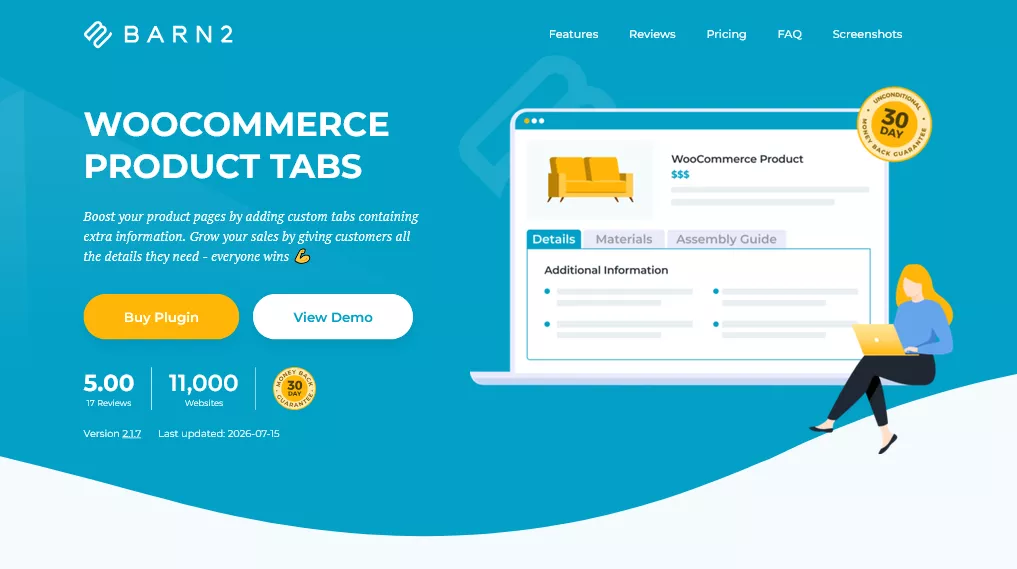
The strongest option for catalogs where tabs need to appear across hundreds of products at once.
Barn2’s plugin lets you build a tab once and assign it globally, or scope it to specific categories or tags. Write a shipping policy tab, apply it store-wide, and edit it in one place forever. That is the single biggest time saver in this category, and most free plugins do not offer it.
Tab content accepts text, images, video, HTML, and shortcodes, which means you can drop in a document library or a contact form.
Limitation: styling follows your theme. If you want granular design control, you will be writing CSS.
Best for: stores that have over 100 products that need policy tabs everywhere.
Pricing: WooCommerce Product Tabs is a premium plugin with plans starting at $79/year for a single site. Business licenses start at $129/year for 5 sites, while agency users can choose the $229/year plan for up to 50 sites.
3. Custom Product Tabs for WooCommerce by YIKES
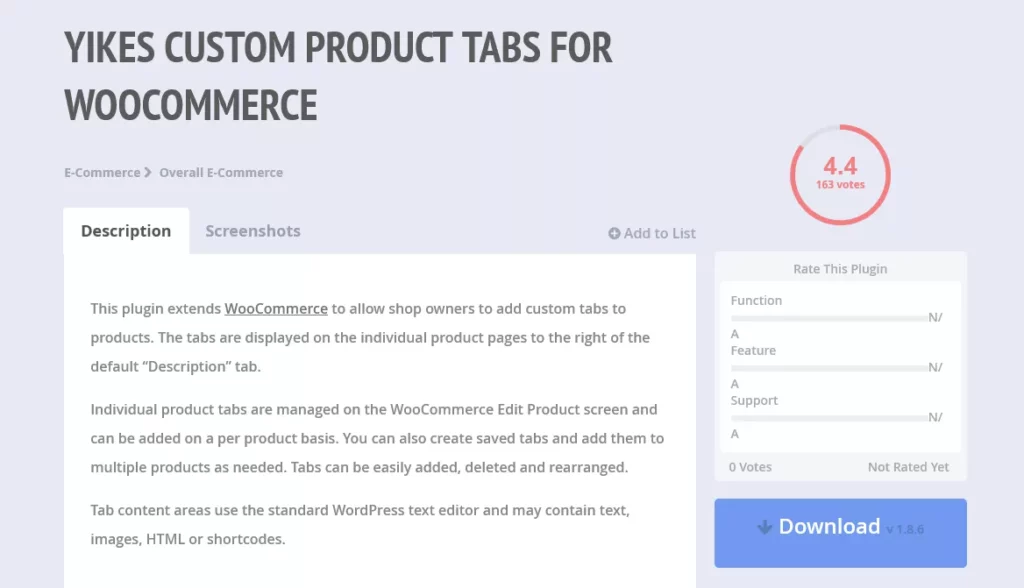
The most widely installed free option in the category, and it earns that.
You add tabs from the Product Data panel while editing a product. There is also a saved tabs feature: build a tab once, apply it to as many products as you like, and updating the saved tab updates every product using it. Content runs through the standard WordPress editor, so text, images, HTML, and shortcodes all work. It is WPML compatible for multilingual stores.
Limitation: The developer’s paid version and documentation site are no longer reliably available. Treat the free plugin as the whole product and check compatibility against your WooCommerce version before you build a workflow around it.
Best for: small stores that need per-product tabs and nothing else.
Price: Free.
4. YITH WooCommerce Tab Manager
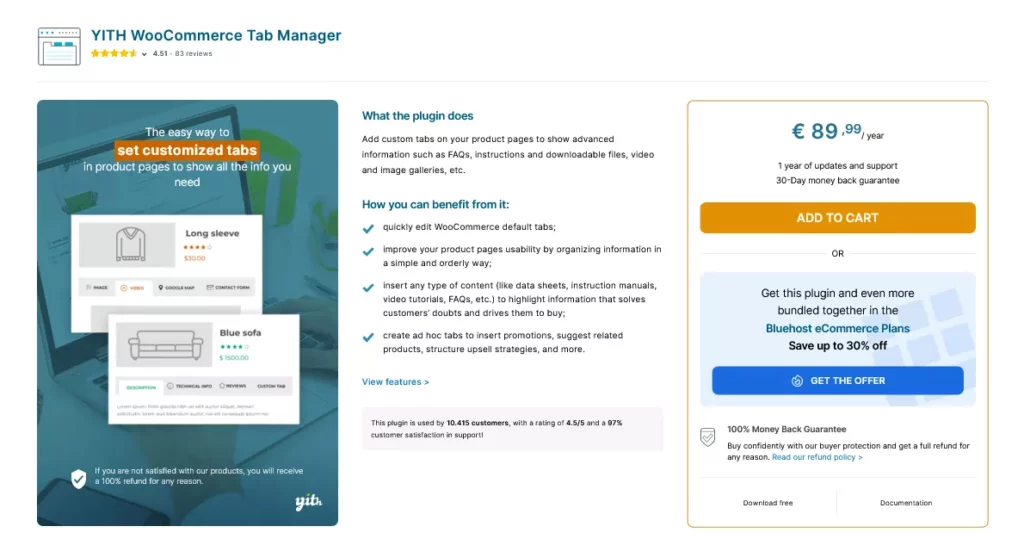
Consider considering if YITH plugins already run your store.
It covers global and per-product tabs and accepts shortcodes from other plugins, which enables embedding forms, tables, or review widgets within a tab. The admin experience matches the rest of the YITH catalog, so there is nothing new to learn.
Limitation: As a standalone purchase, it does not clearly beat Barn2 on features.
Best for: existing YITH users consolidating vendors.
Pricing: YITH WooCommerce Tab Manager offers a free version with basic functionality. The Premium version starts at €89.99/year for a single site and includes one year of updates, support, and a 30-day money-back guarantee.
5. JetWooBuilder

Part of the Crocoblock suite, and a capable Elementor option if you already subscribe.
JetWooBuilder builds full WooCommerce templates in Elementor, product data tabs included, with reasonable control over tab appearance and placement within the single product layout.
Limitation: It makes financial sense as part of a Crocoblock subscription. Buying it purely for tabs is an expensive way to solve a small problem, and the suite adds meaningful weight to your site.
Best for: stores already running Crocoblock.
Pricing: JetWooBuilder is a premium plugin starting at $55/year for a single website.
6. Smart Tabs
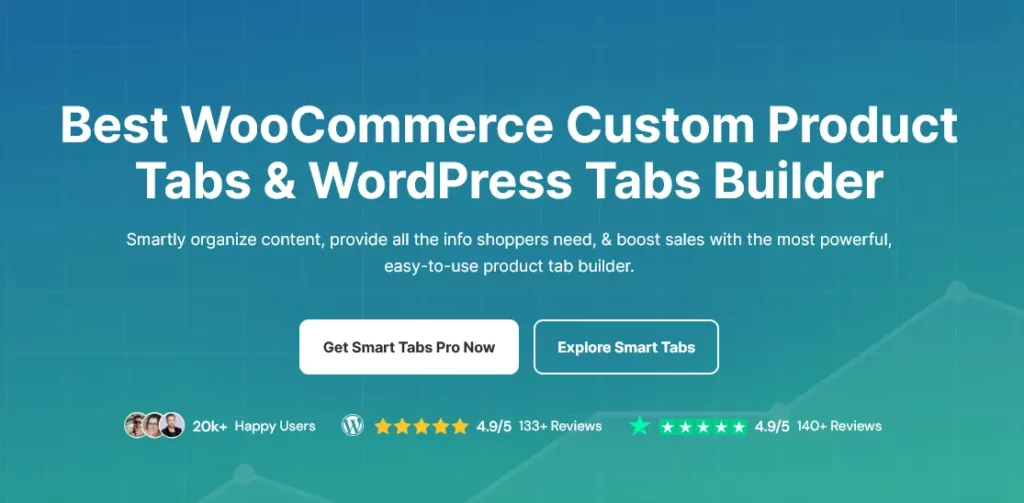
Formerly WP Tabs, and the most design-forward option among the non-Elementor tools.
It ships responsive tab templates and lets you assign custom tabs to specific products, categories, brands, or the entire catalog, then override content per product where needed. If you want tabs that look considered without writing CSS, this is the shortest path.
Limitation: preset-driven design means you work within its templates rather than around them.
Best for: stores wanting polished tabs without a page builder.
Pricing: Smart Tabs offers a free version to get started. Premium plans start at $49/year for a single site, while the 5-site and Unlimited-site licenses cost $99/year and $199/year, respectively. Lifetime licenses are also available, starting at $149 for one site.
7. Product Tabs Manager for WooCommerce
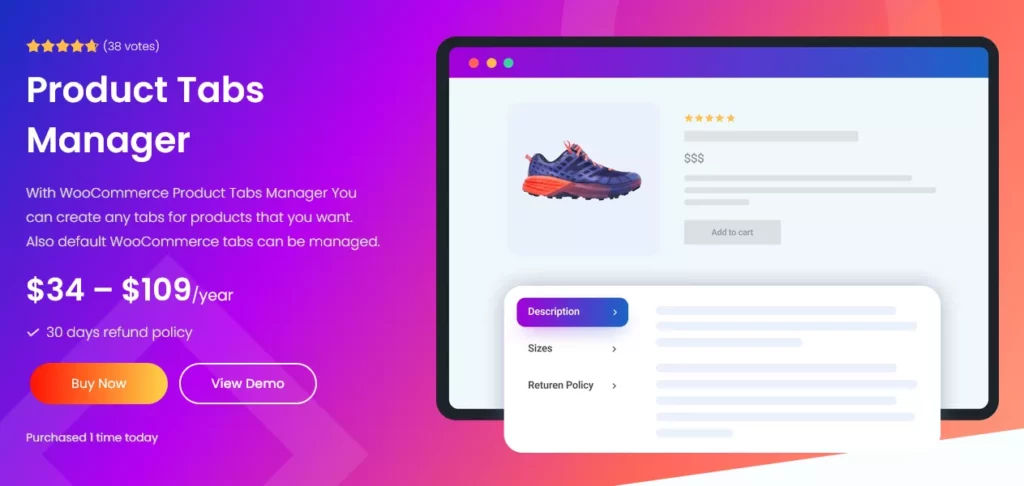
The pick when your actual problem is the default tabs, not missing ones.
It handles unlimited custom tabs, but its real strength is control over what WooCommerce already outputs: rename Description, hide Additional Information, reorder Reviews. Content runs through the familiar WordPress editor and accepts HTML and shortcodes.
Limitation: functional rather than attractive. Design polish is not the point here.
Best for: cleaning up default tab clutter.
Pricing: Product Tabs Manager offers a free version with core features. The premium version starts at $34/year for a single site, with 3-site ($59/year), 5-site ($79/year), and 10-site ($109/year) licenses available for larger stores and agencies.
What Separates a Good Product Tabs Plugin From a Bad One
Now that you have seen the field, here is the scoring logic in full. It is worth understanding because it will still apply the next time you evaluate a plugin in this category.
Tab Scope: Per-Product, Global, or Both
Per-product tabs suit stores where every item needs different information, like custom furniture or technical hardware. Global tabs suit stores where the same shipping, warranty, or care content repeats across the catalog.
Most stores need both. Plugins offering only per-product tabs quietly hand you an ongoing data-entry job that grows with your catalog. That cost never appears on a pricing page.
Layout Control and Mobile Behavior
Given the Baymard findings, this is the criterion that actually protects revenue. Can you switch tabs to an accordion on mobile? Can you run them vertically? Can you lift one tab’s content out into the page body when analytics show nobody opens it?
Plugins that lock you into horizontal tabs on every device are handing you the exact pattern the research warns about.
Content Flexibility and Maintenance Cost
Shortcode support is the practical test. A tab that accepts shortcodes can hold a size chart plugin’s output, a form, or a table. A tab that only accepts plain text will need to be replaced within a year.
Then ask a duller question: when the return policy changes, how many screens do you touch? One, or four hundred?
Free vs Paid WooCommerce Product Tabs Plugins: What You Give Up
Where Free Plugins Hold Up Fine
Under roughly 50 products, with tabs carrying straightforward text and images, a free plugin is genuinely enough. YIKES covers per-product tabs and reusable saved tabs at zero cost, which handles most small-catalog needs completely.
Do not pay for capacity you will not use. A store with 20 products and one shipping tab has no business buying a premium license.
The Three Features Worth Paying For
Global assignment by category or tag. The moment your catalog splits into groups needing different policy content, manual assignment becomes the bottleneck.
Real layout control. Accordion switching, vertical tabs, and the ability to unhide content are what stand between you and the 27% problem.
Support that responds. Tab plugins touch the single product template, which is where theme conflicts surface. Free plugins with dormant developers turn a small conflict into a long weekend.
How to Choose Based on Your Store Setup
Small Catalogs Under 50 Products
Start free. YIKES, or the WPFactory free tier will tell you within a week whether tabs help. Watch whether support tickets about shipping or sizing drop. If they do not, the problem was never organization; it was that the information was hidden.
Large Catalogs and Bulk Tab Management
Go straight to a global tab manager. Barn2 or the official Tab Manager will pay for themselves the first time you update a policy across the catalog in one edit instead of hundreds.
Elementor-Built Stores
If Elementor already builds your product pages, adding a non-Elementor tab plugin creates two design systems fighting over the same page. Tabs styled by your theme sitting under a product gallery styled by Elementor, never quite line up.
CoDesigner keeps both in the same editor, which is why it takes the top slot here. It also covers the shop grid, checkout, and email design that most stores need next. For a wider view of that category, compare the best Elementor WooCommerce builders before committing.
Product Tab Mistakes That Cost Stores Money
Burying Reviews and Shipping Info
Reviews are the most requested content on a product page and the most commonly hidden. Same for shipping cost and delivery time. Move both into the page body, near the buy button, and use tabs for genuinely secondary content like care instructions or technical specs.
Cross-sells belong in the page body too. If you want people to see them, add related products as a visible section rather than a tab nobody opens.
Tab Labels Nobody Understands
“More Info” tells a shopper nothing. Neither does “Details.” Label tabs with the question they answer: “Size Guide,” “Shipping and Returns,” “What’s Included.”
Vague labels give shoppers no reason to click, which returns you to the original problem with extra steps.
Ignoring What Tabs Do to Mobile
Horizontal tabs on a narrow screen either shrink into unreadable text or scroll sideways out of view. Both hide content.
Set tabs to collapse into an accordion below tablet width. Every plugin worth using supports this. Then open your own product page on a phone and try to find your return policy in under five seconds. Most store owners cannot.
Final Thoughts
Two things matter more than which plugin you pick.
First, tabs organize secondary information. They do not fix a product page missing the details shoppers need to decide. If reviews, shipping cost, and returns are not visible without a click, no plugin will save that page.
Second, match the tool to how your store actually works. A 20-product shop needs a free per-product plugin. A 2,000-product catalog needs a global assignment, or it needs a bigger team. A store built in a page builder needs tabs from that same ecosystem, or the seams will show.
Open your best-selling product page on your phone right now and time how long it takes to find your return policy. That number tells you more than any comparison table.
Frequently Asked Questions
Can You Add Custom Product Tabs in WooCommerce Without a Plugin?
Yes. You can add custom product tabs using code, but it requires editing your child theme’s functions.php file or using a code snippets plugin. For most users, a plugin is the easier and safer option.
Do Product Tabs Hurt WooCommerce SEO?
No. Search engines can index content inside product tabs. Just make sure important information is easy for customers to find and doesn’t stay hidden unnecessarily.
What Is the Best Free WooCommerce Product Tabs Plugin?
CoDesigner is a solid free choice for most WooCommerce stores. If you use Elementor, CoDesigner is a better option because it offers better design integration.
Can You Show Different Tabs for Different Product Categories?
Yes, but only with plugins that support category-based rules. Premium options like Barn2 Product Tabs and WooCommerce Tab Manager offer this feature, while most free plugins only support product-wide or global tabs.