8 Best WooCommerce Cart Plugins in 2026 (Free and Paid)

Share this content
Copy Link
Share



Design WooCommerce Stores That Convert
-
100+ Widgets
-
15+ Modules
-
150+ Templates
-
At Your Service
Follow us on:



Your cart page is probably the least designed in your store. WooCommerce cart plugins exist because that page determines whether a shopper pays or walks away.
The Baymard Institute reports an average documented cart abandonment rate of 70.22%, calculated across 50 separate studies. Some of that is unavoidable window shopping. A lot of it is not.
The confusing part is that ‘cart plugin’ covers four different product types: page builders, side carts, cart skippers, and recovery tools. Pick the wrong type, and you fix nothing. This guide separates them, then compares eight options on what each actually does.
What a WooCommerce Cart Plugin Actually Fixes
Before comparing tools, it helps to be precise about what a cart plugin is actually solving. WooCommerce’s own cart isn’t broken; it works. The question is where it loses people and why. Two things are worth separating: what the default cart fails to do, and what the abandonment data says is really costing you sales.
Where the Default Cart Falls Short
The stock WooCommerce cart page works. It also looks like every other stock WooCommerce cart page, sits on its own URL, and pulls shoppers out of browsing mode to look at a table.
That extra page load is the real issue. Every step between “add to cart” and “place order” is a place to lose someone. The default layout gives you almost no control over trust signals, upsells, or how costs are presented, and no control at all over what happens after someone leaves.
What the Data Says About Cart Drop-Off
Baymard’s survey work is the most useful starting point here, because it separates browsing behaviour from real friction. Once you strip out the 42% who say they were just browsing, the leading reasons for abandonment are extra costs that appear too late (40%), slow delivery (20%), payment security doubts (19%), forced account creation (18%), and a checkout that feels too long (17%).
Read that list again. Only one of those is a design problem in the strict sense. The rest are information problems, and the cart is where most of that information should appear.
Baymard estimates the average large store can gain a 35.26% conversion lift from better cart and checkout design alone, which is a bigger number than most plugin marketing pages claim.
If you want the wider context on platform adoption and store behaviour, our WooCommerce statistics roundup covers it.
The Four Types of WooCommerce Cart Plugins
“Cart plugin” is a category that hides four very different jobs. Buy the wrong type and you will optimise a step that was never your problem. Here is how the four break down, and who each one is for.
Cart Page Builders
These replace the cart page layout with something you control. You get widgets for cart items, totals, coupon fields, and cross-sells, and you arrange them like any other page. Best when the cart still matters to your buying flow, and you want it to look like the rest of the store.
Side, Floating, and Menu Carts
A side cart slides in from the edge without a page load. Shoppers adjust quantities, apply a coupon, and go to checkout while staying on the product page. This is the single most popular category right now, and for multi-item stores it usually earns its place.
Cart Skippers and Quick Checkout
For stores selling one thing at a time, the cart page is dead weight. Skip-cart tools send shoppers straight from the product page to checkout. Fewer steps, fewer exits, though you lose the coupon field and shipping estimate that some buyers look for.
Abandonment Recovery Tools
These do nothing to the cart page itself. They capture contact details, watch for inactivity, and follow up by email, SMS, or push. Different job, different plugin, and the one category where the free options are genuinely strong.
Quick Comparison of the Best WooCommerce Cart Plugins
| # | Plugin | Type | Free version | Best for |
| 1 | CoDesigner | Cart page builder | Yes | Designing the cart page inside Elementor |
| 2 | Cart Abandonment Recovery for WooCommerce | Recovery | Yes | Recovering carts with automated emails |
| 3 | FunnelKit Cart | Side cart | Yes | Slide-in cart with rewards and upsells |
| 4 | XT Floating Cart | Floating cart | Yes | A lightweight floating cart on a budget |
| 5 | WooCommerce Fast Cart | Popup cart and quick checkout | No | Single-product and impulse-buy stores |
| 6 | CartBounty | Recovery and analytics | Yes | Understanding why carts get abandoned |
| 7 | Merchant | Multi-module toolkit | Yes | Replacing several small plugins at once |
| 8 | AutomateWoo | Workflow automation | No | Rule-based recovery on larger stores |
8 Best WooCommerce Cart Plugins Compared
Each plugin below is grouped by the job it does, with what it is genuinely good at, where it falls short, and what it costs. Read the type in the heading first: if it does not match your drop-off point, skip to the one that does.
1. CoDesigner
CoDesigner is a WooCommerce Elementor addon that lets you build the cart page rather than restyle it. Its cart widget group covers Cart Items, Cart Items Classic, Cart Overview, and a Coupon Form, with a Floating Cart widget in the Pro tier. On the functional side, the Skip Cart Page, Ajax Add to Cart, Add to Cart Text, and Bulk Purchase Discount modules change how the cart behaves, not just how it looks.
The free plugin on WordPress.org lists 5,000+ active installations and a 4.4 rating, with 94+ widgets and 14+ modules across the whole suite. Pro adds the Checkout Builder and Email Designer, backed by a 30-day money-back guarantee.
For freelancers and agencies, that is the real draw: the cart, checkout, and even transactional emails finally match the brand you designed everywhere else, instead of shipping a pixel-perfect site with a default-looking cart bolted onto the end.
The honest limitation: it needs Elementor, and it does not track or recover abandoned carts. Pair it with a recovery plugin if that is your problem. Our guide to customizing the cart page walks through the widget setup.
What we liked
- Four cart widgets are free (the Floating Cart widget is Pro), so you can rebuild the page in Elementor instead of fighting CSS
- Skip Cart Page, Ajax Add to Cart, and Add to Cart Text ship in the same plugin
- The free version has no site limit, confirmed in its own WordPress.org FAQ
- Pro adds Checkout Builder and Email Designer, with a 30-day refund window
What we didn’t like
- Needs WooCommerce and Elementor both active. Block-theme stores get nothing.
- No abandoned cart tracking. No recovery emails.
- Reviews are split, not averaged: 125 five-star against 22 one-star
- Skip Cart Page once clashed with Ajax Add to Cart. The changelog records the fix.
Pricing: Free on WordPress.org. Pro starts at $49.99/year for 1 site, $99.99/year for 5 sites, or $249.99/year for unlimited sites; lifetime licenses run $149.99, $299.99, and $749.99 respectively.
Building your store in Elementor? Try CoDesigner free – the free tier has no site limit – and upgrade to Pro when you want the Checkout Builder and Email Designer to match.
2. Cart Abandonment Recovery for WooCommerce
Brainstorm Force’s free recovery plugin is the most installed tool on this list by a wide margin, with 300,000+ active installations and a 4.8 rating from over 600 reviews. It captures the email address as soon as a shopper types it at checkout, then sends scheduled follow-ups with one-click links that rebuild the cart exactly as it was.
Coupon generation, a GDPR consent checkbox, and recovery reporting are all in the free version. The Pro tier adds SMS, per-product reports, and a rule engine for conditional sequences.
Worth knowing: block checkout support arrived later than classic checkout support, and address capture in block checkout was still being patched in the 2.0.x releases. Test it on your own checkout before you trust the numbers.
What we liked
- Captures the email as the shopper types it, before Place Order
- Recovery links rebuild the exact cart and prefill checkout
- Unique time-limited coupons and a GDPR checkbox, both free
- Updated June 2026, with security hardened after a Patchstack report
What we didn’t like
- Missing address capture in block checkout was only fixed in February 2026
- Recovered revenue was overstated until a June 2026 reporting fix
- SMS, per-product reports, and the rule engine are Pro
- WhatsApp and real-time admin alerts are still listed as coming soon
Pricing: Free on WordPress.org. Cart Abandonment Recovery Pro is $99/year for 10 sites (launch price; $129 regular), or $279 one-time for a 30-site lifetime license.
3. FunnelKit Cart
FunnelKit’s sliding cart is the strongest free side cart available. The WordPress.org listing shows 30,000+ active installations and a 5-star average across 109 reviews, with updates shipping every few weeks.
The Lite version gives you the slide-in drawer, a floating cart icon with item count, quantity editing, an in-cart coupon box, AJAX add to cart, and the option to bypass the cart page entirely and send shoppers to checkout. Pro, which requires a FunnelKit Plus plan or above, unlocks in-cart upsells and milestone rewards such as gifts, tiered discounts, and free shipping thresholds.
Those reward bars tend to lift average order value more reliably than upsell blocks do, because the shopper opts in rather than being sold to.
What we liked
- Lite covers the drawer, floating icon, coupon box, AJAX, and skip-cart-to-checkout
- Milestone rewards let shoppers unlock gifts, discounts, or free shipping
- Compatibility is logged plugin by plugin: Subscriptions, Product Bundles, WPML, Polylang
- Tested against WooCommerce 10.8 and WordPress 7.0
What we didn’t like
- Pro needs a FunnelKit Plus plan. You buy the suite, not a cart plugin.
- Upsells, cross-sells, and in-cart variation switching sit behind that plan
- It replaces the cart page. Layout control stops at its own styling panel.
- Cart analytics depend on Funnel Builder Pro 3.11, so reporting costs extra
Pricing: Lite is free. The in-cart upsells and milestone rewards require a FunnelKit Plus plan or higher, from about $149.50/year introductory ($299 at renewal).
4. Floating Cart for WooCommerce
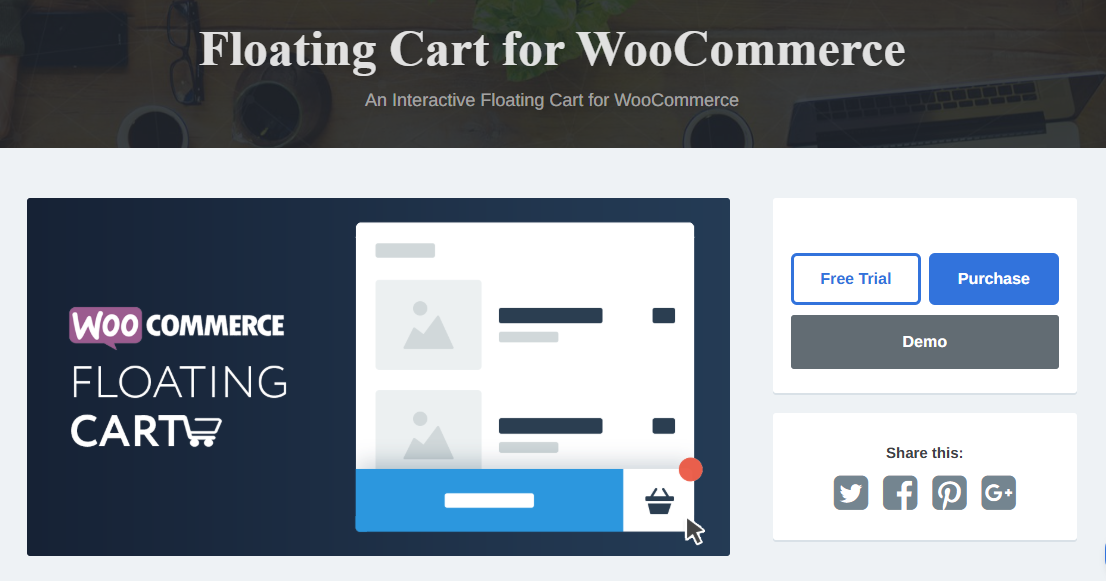
XplodedThemes’ floating cart is the lightest option here. The free tier, with 4,000+ active installations and a 4.6 rating, covers the persistent cart icon, fast add to cart, quantity updates, undo on removal, and position control.
Premium moves it into a different class: live preview customisation, coupons, cart totals, a free shipping bar, suggested products pulled from related and cross-sell data, and an embedded express checkout form that loads in the cart itself.
It is an older codebase, and the free version is deliberately thin. But it stays maintained, with security and compatibility releases through mid-2026, and it does not try to be a whole conversion suite.
What we liked
- Undo on removal and max-quantity messages are included free
- Premium runs checkout inside the cart as a two-step process
- The free shipping bar follows your WooCommerce tax display setting
- Patched in July 2026 with AJAX nonce validation and WooCommerce 10.9 support
What we didn’t like
- The free tier holds back coupons, cart totals, and live preview
- Smallest install base here, with 9 one-star and 5 two-star reviews out of 148
- Repo install steps still point to XplodedThemes.com, not the plugin directory
- SVG icon uploads were removed in 2024. Custom icons need Safe SVG.
Pricing: Free on WordPress.org. Premium starts at $59/year for 1 site, $109/year for 3 sites, or $329/year for 30 sites.
5. WooCommerce Fast Cart
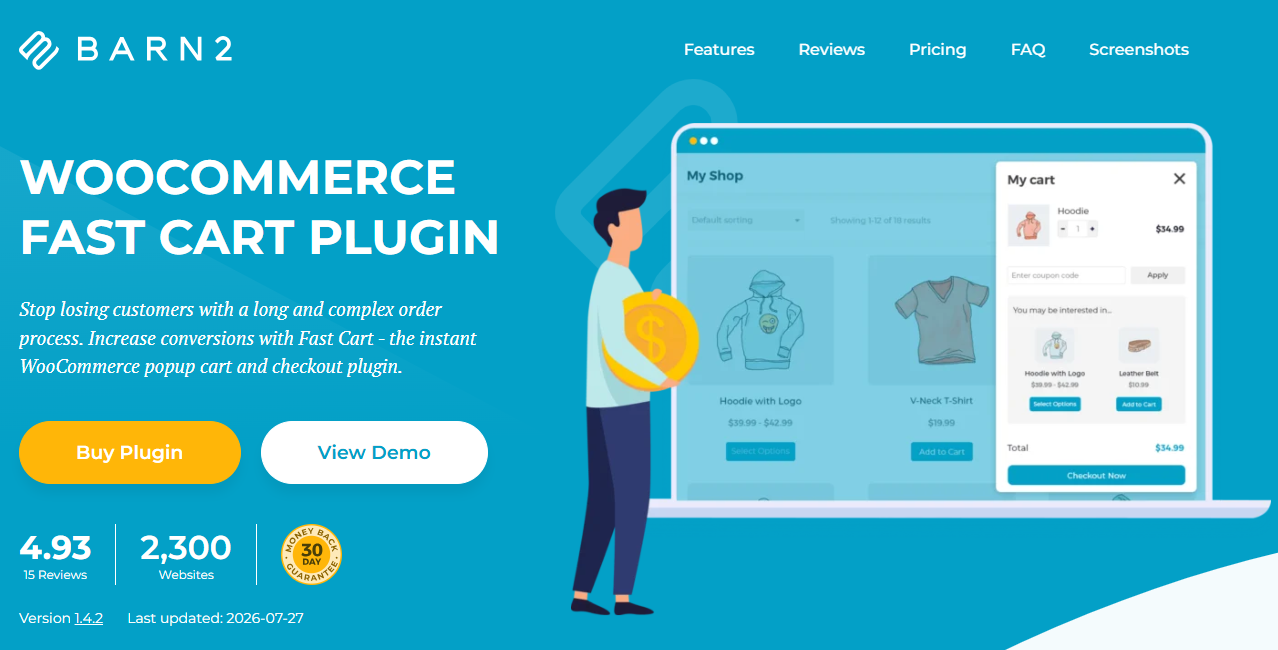
Barn2’s Fast Cart takes a different route. Instead of a side drawer, it opens the cart and checkout inside a popup on the current page, so the shopper never navigates away at all. For impulse purchases and single-product stores, that is the shortest path to a completed order you can build without custom development.
There is no free version, which is the main trade-off. Licensing is annual per site, with bundle pricing if you already run other Barn2 plugins and a 30-day refund window.
It is also the most opinionated tool in this list. If your buyers routinely order five items and compare shipping options, a popup checkout will feel cramped.
What we liked
- Cuts both page loads between add to cart and payment
- A public demo plus an editable demo with admin access, before you buy
- 30-day refund, with bundle pricing across Barn2 plugins
- Checkout stays a real WooCommerce checkout, so gateways behave normally
What we didn’t like
- No free version. The refund window is your only trial.
- The 4.93 rating sits on Barn2’s own site, drawn from 15 reviews
- Popups suit one-item orders. Multi-item carts feel cramped.
- Licensing is per site and annual, which adds up across client work
Pricing: No free version. Plans start at $79/year for 1 site, $129/year for 5 sites, or $229/year for 50 sites; lifetime licenses start at $349. A 30-day money-back guarantee applies.
6. CartBounty
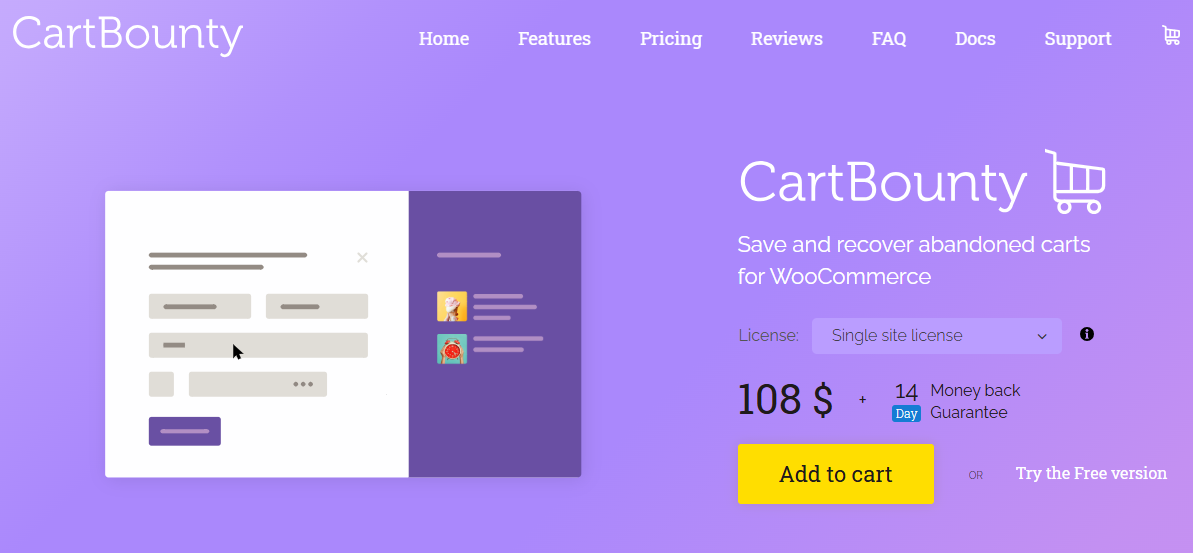
CartBounty approaches recovery from the analytics side. It records every cart from the moment a product is added, including anonymous ones, and reports on top abandoned products and abandonment by country. Free features include exit intent capture and recovery emails through the WordPress mail server. The listing shows 10,000+ active installations and a 4.8 rating.
Pro connects to ActiveCampaign, GetResponse, and Mailchimp, and adds WhatsApp, SMS, web push, unique coupons, and early capture popups.
Two practical notes. A cart counts as abandoned after 60 minutes of inactivity by default, so your first reminder fires later than the delay you set. And anonymous carts are saved by default, which grows that database table quickly on high-traffic stores. There is a setting to exclude them, and busy stores should use it.
What we liked
- Anonymous carts are saved, so you can size the problem before collecting emails
- Reports show top abandoned products and abandonment by country
- Exit intent capture and WordPress email reminders are free
- Template overrides and documented hooks for developers
What we didn’t like
- The 60-minute threshold stacks on your delay. A 5-minute email lands after 65.
- That waiting time is filterable, but 20 minutes is the floor
- Anonymous carts save by default. The table grows fast on busy stores.
- reCAPTCHA bot filtering is Pro, and bots create most of those rows
- Mailchimp, ActiveCampaign, WhatsApp, SMS, push, and coupons are all Pro
Pricing: Free on WordPress.org. CartBounty Pro starts at $92/year for a single site, with Pro Plus ($276/year) and Agency ($1,295/year) covering more sites. Licenses are perpetual, with one year of updates and support included.
7. Merchant
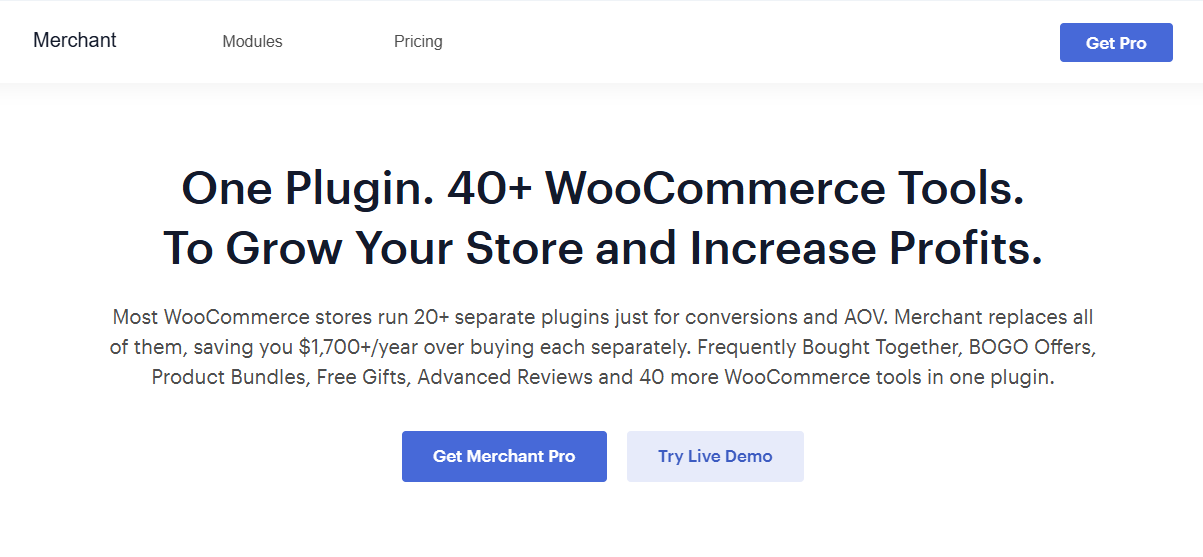
Merchant by aThemes bundles cart features into a wider toolkit. The free version ships 16 modules, including Quick View, Animated Add to Cart, Add to Cart Text, trust badges, payment logos, and Clear Cart. The Side Cart module sits in the Pro tier, alongside a floating mini cart, cart reserved timer, cart count favicon, and inactive tab message, all grouped under cart abandonment.
Pro spans 40+ modules and is sold as an annual or lifetime license. The appeal is consolidation. One plugin replaces four or five single-purpose ones, which is a real maintenance win.
One gotcha for Elementor users, straight from aThemes documentation: you have to disable Elementor’s Mini Cart Template under WooCommerce integrations, or Merchant’s mini cart will not work properly.
What we liked
- 16 free modules, including Quick View, Animated Add to Cart, and trust badges
- Pro groups cart tools under one Reduce Cart Abandonment heading
- A lifetime license is offered alongside the annual one
- One dashboard with live preview, instead of a dozen settings pages
What we didn’t like
- The side cart is Pro. The free tier has no drawer at all.
- Elementor users must disable the Mini Cart Template or Merchant’s mini cart breaks
- Modules compete for the moment after add to cart, so the changelog added priority rules
- One update touches every feature you depend on
Pricing: Free (16 modules). Merchant Pro starts at $79/year for 1 site, $159/year for 10 sites, or $319/year for 100 sites (introductory rates; renewals bill at full price). A lifetime license is also offered.
8. AutomateWoo
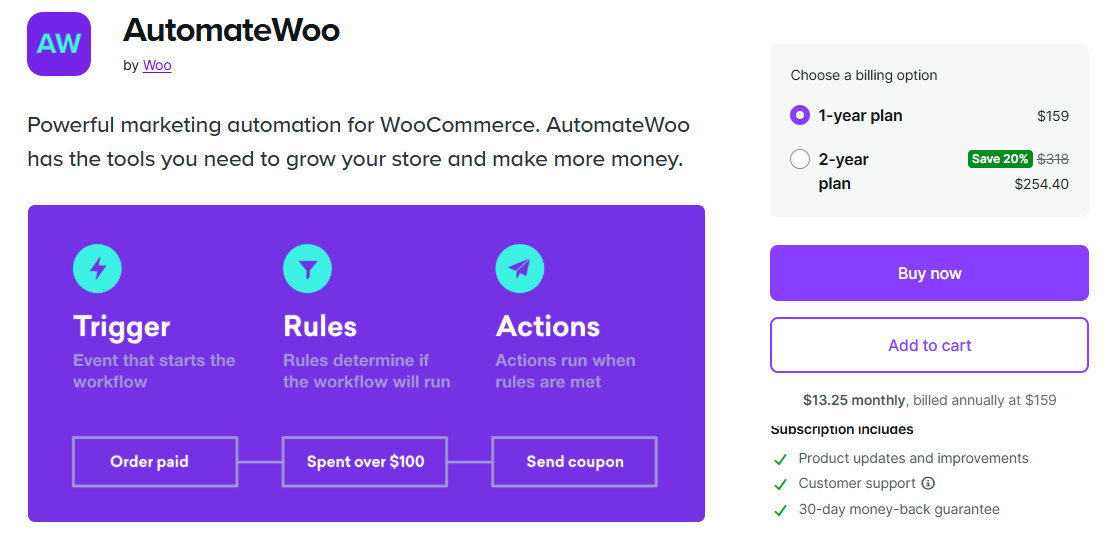
AutomateWoo is the official WooCommerce extension for marketing automation, built on triggers, rules, and actions. Its Cart Abandoned trigger fires after 15 minutes of inactivity by default, and that timeout is adjustable in settings. Pre-submit capture grabs the email during checkout, and session tracking links carts to registered customers before they log in.
The workflow model is what sets it apart. You can branch on cart value, product, customer history, or subscription status, then chain follow-ups, coupons, and win-back campaigns from the same interface.
It is paid only, priced annually, and it assumes you have enough order volume to justify the setup time. Small stores will find the free recovery plugins cover the same ground faster.
What we liked
- A first-party extension, and it handled block checkout abandonment before others did
- Pre-submit capture takes the email during checkout, before submission
- Workflows branch on cart value, product, purchase history, or subscription status
- Returning shoppers drop out of the queue automatically, so no pointless reminder
What we didn’t like
- Paid only and annual, with no free tier to test the workflow logic
- Each workflow runs once per cart, even if that cart is abandoned again
- It changes nothing the shopper sees, so it needs pairing with a cart tool
- Setup takes real time. Small stores get the same first win faster elsewhere.
Pricing: No free version. $119/year for a single site.
How to Choose the Right WooCommerce Cart Plugin
The shortlist gets short once you answer three questions in order: where you are losing people, whether the plugin supports your checkout, and how many plugins you already run. Work through them before you install anything.
Match the Tool to Your Actual Drop-Off Point
Open your analytics before you open the plugin directory. If shoppers reach the cart and stop, that is a design and information problem, so a page builder or side cart helps. If they reach checkout and stop, the fix is upstream in your fields and cost display, and our guide to checkout field customization is a better starting point. If they leave without ever entering checkout, only a recovery tool touches them again.
Check Block Cart and Block Checkout Compatibility
This is the compatibility question that catches people out in 2026. Plenty of cart plugins were built against the classic shortcode cart, and support for the block-based Cart and Checkout arrived later. Recovery plugins are the most affected, since they hook into checkout fields to capture emails.
Install on staging, add a product, start checkout, abandon it, and confirm the plugin actually recorded the cart. A recovery tool that silently captures nothing is worse than no recovery tool, because you think the problem is handled.
Count the Plugins Before You Add Another
Every plugin here adds AJAX requests and cart fragment handling. Three of them together add three sets. If a multi-module option covers your needs, one plugin is usually the better engineering decision, even when a single-purpose alternative is slightly better at its one job.
Cart Plugin Mistakes That Cost Stores Sales
Most cart-plugin damage is not caused by a bad plugin. It is caused by the right plugin used the wrong way, or two right plugins fighting each other. These are the two failures that show up most often.
Stacking Three Plugins That Do the Same Job
The most common failure is not a bad plugin, it is two good ones fighting over the same event. Side carts, AJAX add to cart modules, and skip-cart tools all intercept the add-to-cart action, and when two of them do it, buttons stop responding, or products get added twice.
This happens within single plugins too. CoDesigner’s own changelog records a fix for a conflict that appeared when its Skip Cart Page and Ajax Add to Cart modules were both enabled. Turn features on one at a time, and test add to cart after each.
Skipping the Cart When Shoppers Need It
Skip-cart is oversold. It suits stores where the typical order is one item and the price is final. It hurts stores where buyers add several products, hunt for a coupon field, or want a shipping estimate before committing.
Baymard’s data supports the caution: 12% of abandoners say they could not see or calculate the total order cost up front. Removing the page where costs get confirmed can make that worse. If you are restructuring the flow anyway, a multi-step checkout setup often serves the same goal without deleting a step buyers rely on. For a wider view of what moves the number, see our conversion rate optimization guide.
Conclusion
Three things are worth carrying away from all of this.
Diagnose before you install. The cart page, the checkout, and the follow-up email are three separate failure points, each with its own category of tools. Guessing wrong means paying for a plugin that cannot touch your actual problem.
Prefer one well-chosen plugin over three overlapping ones. Conflicts between cart tools are common, and every extra layer adds requests to pages that need to stay fast.
Test on staging, including block checkout, before anything goes live.
Which part of your cart flow is losing the most people right now? Answer that first, and the shortlist gets short fast. If the answer is that your cart just looks generic and off-brand, that is exactly the gap CoDesigner’s Elementor widgets close, and the free version is enough to start.
Frequently Asked Questions
Do You Need a Cart Plugin for WooCommerce?
No. WooCommerce includes a working cart page, and a store can sell perfectly well without adding anything.
You need one when your data shows a specific problem: shoppers reaching the cart and leaving, mobile users struggling with the layout, or carts going cold with no follow-up. Adding a cart plugin before you have identified which of those applies tends to produce a prettier version of the same drop-off.
Can You Customize the WooCommerce Cart Page Without Code?
Yes. With Elementor plus a cart widget set like CoDesigner’s, you rebuild the page visually: cart items, totals, coupon field, and cross-sells all become draggable elements you can style like any other section.
The block editor also handles basic cart layout changes if you use the Cart block. The difference is depth of control. Block editing adjusts what WooCommerce gives you, while a builder lets you decide the structure yourself.
Will Cart Plugins Slow Down Your Store?
They can, and the cause is usually predictable. Side carts and AJAX add-to-cart features refresh cart fragments on many pages, and recovery plugins write a database row for every cart, including anonymous ones from bots.
Two habits keep it under control. Run one plugin per job rather than three overlapping ones, and check any recovery plugin’s settings for an option to exclude anonymous carts. Measure page load before and after with the plugin active, not just on the homepage.
What Is the Best Free WooCommerce Cart Plugin?
It depends on the job. For recovery, Cart Abandonment Recovery for WooCommerce has the largest install base and gives away most of its core features. For a side cart, FunnelKit Cart Lite is the most polished free option. For cart page design in Elementor, CoDesigner’s free widgets cover the layout work.
None of the three replaces the others, which is exactly the point of sorting plugins by type first.