WooCommerce SEO Best Practices: The Complete 2026 Guide to Ranking Higher

Share this content
Copy Link
Share



Design WooCommerce Stores That Convert
-
100+ Widgets
-
15+ Modules
-
150+ Templates
-
At Your Service
Follow us on:


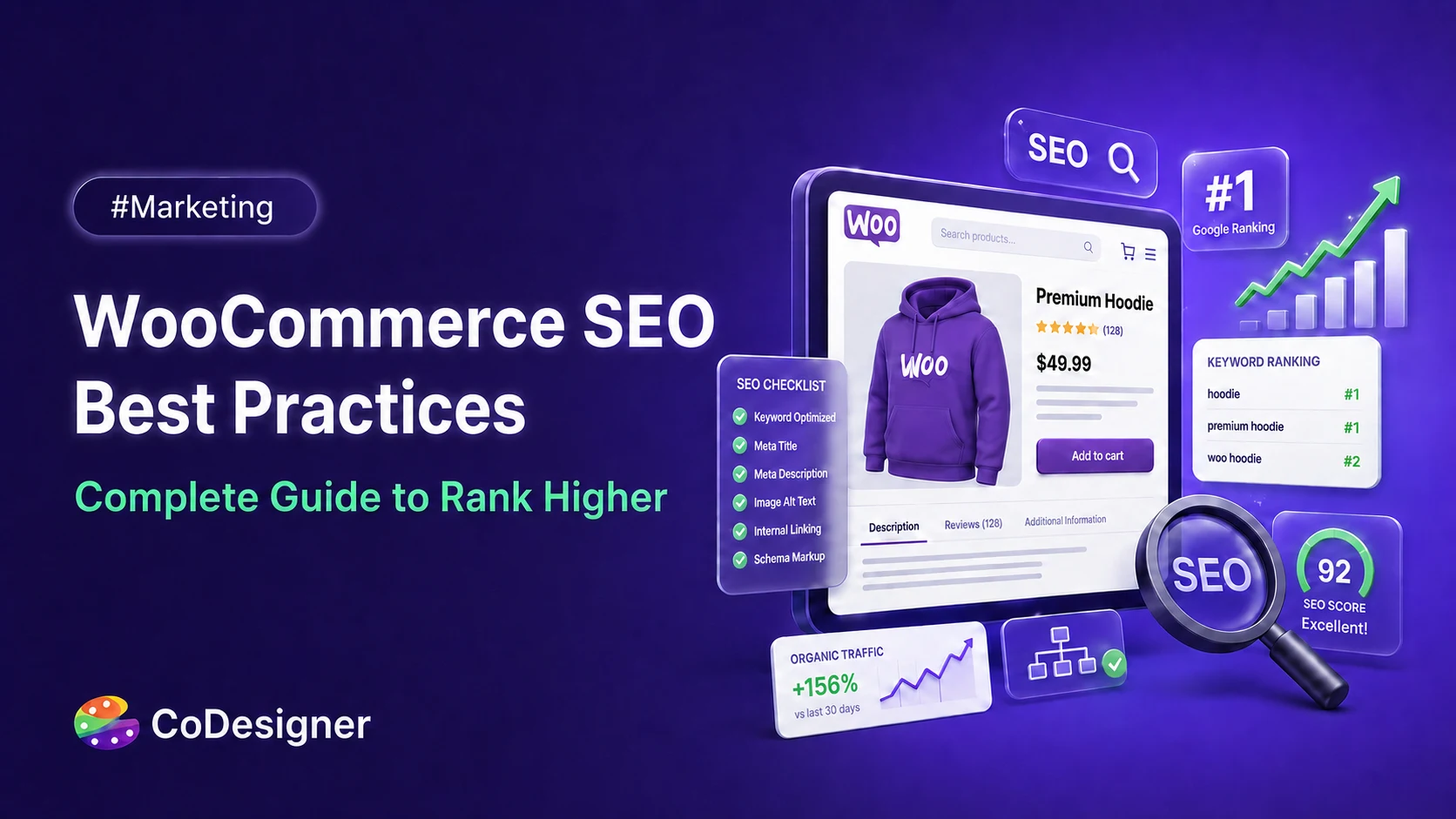
WooCommerce runs on WordPress, which means it starts with a genuinely SEO-friendly foundation. Clean code, flexible permalinks, and full control over titles and metadata are all there from day one. But that foundation doesn’t optimize itself.
Most stores lose organic traffic to problems that have nothing to do with competition, such as thin product descriptions, unindexed category filters, slow-loading pages, and missing schema.
None of these are exotic issues. They’re just easy to overlook. This guide walks you through the WooCommerce SEO practices that remain effective in 2026, covering the technical basics, product page optimization, content strategy, and the growing role of AI-driven search.
Key Takeaways
- Fix your technical foundation first. Sitemaps, indexing settings, and page speed decide if Google can even see your store before content matters.
- Product pages need real content. Copying manufacturer descriptions is the single most common and most damaging on-page mistake in WooCommerce stores.
- Schema markup pays for itself. Pages with structured data see higher click-through rates meaningfully, and it’s one of the easiest technical wins available.
- Design and SEO aren’t separate jobs on a product page. Layout, load time, and content structure all feed into the same ranking and conversion outcome.
- AI Overviews have changed the payoff of ranking. Being cited inside one now matters almost as much as holding position one.
SEO Area Quick Reference for WooCommerce Store
Use this quick reference table to understand which SEO areas matter most for a WooCommerce store and what each one affects.
It gives you a simple overview of where to focus first, from product pages and categories to technical SEO, content, and user experience.
| SEO Area | Key Action | Why It Matters |
| Technical foundation | Fix sitemaps, permalinks, and indexing settings | Search engines can’t rank pages; they can’t crawl |
| Site speed | Compress images, target under 2.5s LCP | Speed directly affects both rankings and conversions |
| Product pages | Write unique, detailed descriptions | Duplicate manufacturer copy gets filtered out of the index |
| Schema markup | Add product structured data | Rich snippets increase click-through rate |
| Keyword strategy | Target commercial and informational intent separately | Different pages need to serve different stages of the buying journey |
| AI search | Structure content for citation, not just ranking | AI Overviews now redirect a large share of clicks |
Technical SEO Foundations for WooCommerce

Before a single product page gets optimized, the store needs to be crawlable and indexable. Skip this step and everything downstream underperforms, no matter how good the content is.
Site Structure, Permalinks, and Crawlability
WooCommerce permalinks should be short, descriptive, and consistent. Use hyphens between words, skip special characters and underscores, and keep the primary keyword in the URL where it fits naturally.
A URL like /product-category/running-shoes/ tells both users and search engines exactly what’s there. Something like /shop/?p=4821 tells them nothing.
If you’re restructuring existing URLs, always set up 301 redirects from the old paths. Losing link equity over a permalink cleanup is an avoidable mistake.
XML Sitemaps, Robots.txt, llms.txt, and Indexing Control
Creating a great product page isn’t enough if search engines can’t find or understand it. That’s where XML sitemaps, robots.txt, llms.txt, and proper indexing controls come in. Each serves a different purpose, but together they help search engines-and increasingly, AI systems- access the right content on your website.
XML Sitemap
An XML sitemap is a file that lists the important pages on your website. It helps search engines discover new and updated products more efficiently.
Best practices:
- Include all important product and category pages.
- Update the sitemap automatically whenever products are added or removed.
- Submit it to search engine webmaster tools for faster discovery.
- Exclude duplicate or low-value pages whenever possible.
Robots.txt
The robots.txt file tells search engine crawlers which parts of your website they can or cannot crawl.
Use it to:
- Block admin, login, or staging pages from being crawled.
- Reduce unnecessary crawling of duplicate or non-essential pages.
- Improve crawl efficiency by focusing bots on valuable content.
Note: Blocking a page in robots.txt does not automatically prevent it from appearing in search results. For that, use a noindex directive.
llms.txt
llms.txt is an emerging convention designed to help AI assistants and large language models find useful information on your website. While it’s not an official search engine ranking factor, it can provide AI systems with a clear guide to your most valuable content.
Consider including:
- Product documentation.
- Buying guides.
- FAQs and help articles.
- Important policies and technical resources.
Indexing Control
Not every page on your website needs to appear in search results. Proper indexing helps search engines focus on your most valuable pages.
Follow these practices:
- Use noindex for pages that shouldn’t appear in search results.
- Add canonical tags to similar or duplicate pages.
- Check your indexed pages regularly using search engine webmaster tools.
- Fix crawl errors and remove outdated URLs when necessary.
When these four elements work together, search engines can crawl your store more efficiently, index the right pages, and better understand your website. That creates a stronger foundation for long-term SEO performance.
Core Web Vitals and Site Speed
Speed is no longer a nice-to-have. Sites that load in one second convert at roughly 3% versus 0.67% for sites taking four seconds, and that gap only grows as more traffic shifts to mobile.
On product pages, the hero image is almost always the element holding back Largest Contentful Paint. Serving properly sized images through srcset, converting to WebP or AVIF, and keeping images under 200KB usually cuts LCP by a second or more without any other changes.
Most WooCommerce sites don’t need a full rebuild to hit these targets. They need image compression, a caching plugin, and fewer unnecessary scripts running on every page load.
Read this detailed guide about Core Web Vitals.
WooCommerce Product Page SEO

Product pages carry the most weight and the most risk. They sit at the bottom of the funnel, which means they need to satisfy search intent and close the sale at the same time.
Titles, Meta Descriptions, and On-Page Keyword Placement
Your product page is often the first interaction a potential customer has with your store. Even if you have high-quality products, poor optimization can prevent them from appearing in search results. That’s why titles, meta descriptions, and strategic keyword placement play an important role in both SEO and user experience.
Search engines use these elements to understand what your page is about, while shoppers use them to decide whether your product matches their needs. The goal isn’t to add your keyword everywhere; it’s to place it where it provides the most value.
Optimize Your Product Title
Your product title is one of the strongest on-page SEO signals. It should clearly describe the product while naturally including your primary keyword.
Best practices:
- Place your primary keyword near the beginning of the title whenever it sounds natural.
- Write for people first, then optimize for search engines.
- Keep titles descriptive rather than stuffing multiple keywords.
- Include distinguishing details such as size, color, model, or key feature when relevant.
- Make each product title unique to avoid duplicate content.
Example:
- ❌ Wireless Earbuds Bluetooth Noise Cancellation Best Earbuds Cheap
- ✅ Wireless Noise-Cancelling Bluetooth Earbuds with Charging Case
Write Meta Descriptions That Increase Clicks
Although meta descriptions are not a direct Google ranking factor, they can significantly influence your click-through rate (CTR). A compelling description encourages users to choose your listing over competing results.
Think of your meta description as a short advertisement for your product.
A good meta description should:
- Clearly explain what the product offers.
- Include the primary keyword naturally.
- Highlight a specific benefit or unique selling point.
- Add trust signals such as free shipping, warranty, or fast delivery when applicable.
- Stay within approximately 150–160 characters to reduce the chance of truncation in search results.
Example:
Discover lightweight wireless Bluetooth earbuds with active noise cancellation, long battery life, and fast shipping. Perfect for work, travel, and everyday use.
Place Keywords Naturally Throughout the Product Page
Keywords help search engines understand your content, but overusing them can hurt readability and make your content feel unnatural. Modern search engines evaluate context and overall topic relevance rather than simple keyword repetition.
Instead of repeating the same phrase over and over, focus on writing helpful product descriptions that naturally include your target keyword.
Place your primary keyword in these important locations:
- The H1 (product title).
- The first sentence or opening paragraph of the product description.
- One or two additional mentions throughout the body content where they fit naturally.
- Image alt text when it accurately describes the image.
- The page URL (slug), if possible.
- The SEO title and meta description.
You can also strengthen topical relevance by using:
- Related keywords and synonyms.
- Common customer search phrases.
- Product attributes such as material, size, color, compatibility, or intended use.
Avoid Keyword Stuffing
Years ago, repeating the same keyword multiple times was a common SEO tactic. Today, it often has the opposite effect. Overusing keywords makes content difficult to read and can reduce the overall quality of the page.
Instead of forcing your keyword into every sentence:
- Write naturally and prioritize clarity.
- Answer the questions customers are likely to have.
- Use descriptive language rather than repeating the exact phrase.
- Include related terms that help explain the product.
- Review your copy to ensure it sounds like it was written for shoppers, not search engines.
A well-written product page that clearly explains the product and uses keywords naturally is far more effective than one overloaded with repeated search terms.
Unique Product Descriptions vs. Manufacturer Copy
This is the most common and most quietly damaging mistake on WooCommerce stores.
Google doesn’t apply a direct penalty for reused manufacturer copy, but when dozens of stores run the exact same paragraph, Google indexes one version and the rest effectively disappear from search.
Rank Math recommends at least 200 words per product description to give the page enough unique substance to compete.
Write descriptions that answer real questions: who the product is for, what makes it different from similar listings, and what a buyer needs to know before checking out. That’s the kind of content search engines and shoppers both respond to.
Images, Alt Text, and Product Schema
Alt text should describe the image specifically, not generically.
“Blue ceramic coffee mug with wooden handle” – tells search engines and screen readers far more than “mug.” Include the focus keyword in at least one product image’s alt attribute where it fits naturally.
Product schema markup is one of the easiest high-value technical wins available. Pages with structured data see 20 to 40% higher click-through rates, largely because they unlock star ratings, pricing, and availability directly in search results.
Most SEO plugins can pull this data automatically from your existing product fields once schema is enabled.
Design Product Pages with SEO in Mind
Layout decisions affect SEO more than most store owners assume. A cluttered product page with a slow-loading gallery, buried reviews, and no clear structure hurts both crawlability and time on page, which are signals search engines pick up on indirectly through user behavior.
A well-structured product page puts the essentials above the fold: title, price, primary image, and a clear call to action. Reviews, detailed specs, and related products can sit further down without competing for attention.
Store owners can control exactly where content sits, test different layouts, and fix the kind of structural issues that often show up in a product page audit, all without needing a developer for every change.
You can read the product page mistakes guides to overcome the product page issues.
Design and SEO aren’t really separate tasks on a product page. Good structure keeps visitors on the page longer, and that has a real effect on how the page performs in search over time.
Content and Keyword Strategy for Long-Term Growth

Product and category pages capture buyers who already know what they want. Blog content captures everyone else, the people still comparing options or researching a problem.
Keyword Research for Commercial and Informational Intent
Separate your keyword list into two buckets early.
- Commercial keywords, things like “buy wireless keyboard” or “best running shoes for flat feet,” belong on product and category pages.
- Informational keywords, like “how to choose a running shoe” or “wireless keyboard vs wired,” belong on blog content that eventually links back to the products answering that question.
Long-tail keywords make up over 91% of all searches and convert at roughly 2.5 times the rate of broad, high-competition terms, so smaller stores shouldn’t feel pressure to chase the biggest volume keyword in a category. The specific, lower-competition terms are often where new stores actually gain traction.
Blog Content That Links Back to Products
A blog post with no internal links to relevant products is a missed opportunity.
Every buying guide, comparison post, or how-to article should link naturally to the products or categories it references, using descriptive anchor text rather than generic phrases like “click here.”
This works both ways. Blog content builds topical authority and captures search traffic your product pages never will. Product pages, in turn, give that traffic somewhere to go.
Structured Data and AI Search: What’s Changing
Search hasn’t stayed the same shape it was even last week. Google’s AI Overviews now appear across a large share of shopping-related queries, and they pull answers from structured, well-organized content rather than pages built purely to rank.
The upside is real for stores that adapt. Brands cited inside an AI Overview see roughly 35% more organic clicks compared to those that aren’t cited at all, even as overall click-through rates for many queries have dropped.
Clean schema markup, clear product specifications, and genuine, specific content all improve the odds of being the source an AI system pulls from.
This doesn’t replace traditional SEO. It sits on top of it. A store with solid technical fundamentals and real product content is already most of the way toward being AI-search ready.
WooCommerce Product Page SEO Checklist for 2026
Before publishing or updating a WooCommerce product page, check the basics:
- Include the primary keyword naturally in the product title.
- Write a unique product description instead of copying text.
- Add the focus keyword in the H1 and early in the description.
- Write a clear meta description that encourages clicks.
- Use descriptive image file names before uploading.
- Add natural alt text to important product images.
- Make sure price, stock status, reviews, and product details are visible.
- Enable Product schema markup and check that the data is accurate.
- Add internal links from relevant category pages, blog posts, and buying guides.
- Include reviews, FAQs, specs, shipping details, or return information.
- Keep the page fast by compressing images and removing unnecessary scripts.
- Make the layout easy to scan, with title, price, image, and add-to-cart button clearly visible.
A good product page should not feel like it was written only for Google. It should help real buyers understand the product quickly, trust the store, and feel confident enough to complete the purchase.
Conclusion
Ranking a WooCommerce store comes down to getting the fundamentals right before chasing anything advanced.
Fix the technical setup first, since none of the content work matters if Google can’t crawl the store properly. Then focus on product pages: real descriptions, working schema, and a layout that keeps visitors engaged instead of bouncing.
The stores that pull ahead in 2026 aren’t doing anything secret. They’re doing the basics consistently, and paying attention to the page design decisions that quietly shape both rankings and conversions at the same time. Start with the pages generating the most traffic already, and work outward from there.
Frequently Asked Questions (FAQs)
Is WooCommerce Good for SEO Out of the Box?
Yes. WooCommerce runs on WordPress, which handles clean code, flexible URLs, and basic SEO controls by default. That said, the platform doesn’t optimize content for you. Product descriptions, image alt text, and schema still need manual setup or a plugin to handle them properly.
How Long Does WooCommerce SEO Take to Show Results?
Most stores start seeing movement within three to six months, with more competitive keywords taking longer. Technical fixes like sitemap corrections or indexing issues can show faster results because they remove barriers Google was already running into.
Do I Need a Separate SEO Plugin for WooCommerce?
A dedicated SEO plugin makes schema markup, sitemap management, and metadata far easier to handle at scale. It’s not strictly required, since WordPress and WooCommerce cover the basics, but for stores with more than a handful of products, a plugin saves significant manual work.
Should Product Variations Have Separate URLs for SEO?
Generally no. Variations of the same product, different sizes or colors, should stay on one URL with a canonical tag pointing to the main product page. Creating separate indexable pages for every variation usually creates duplicate content problems instead of solving them.